See Collage Clip in action.
Three snips to a collage
Install the extension
Add Collage Clip to Chrome. The SAM model runs entirely in your browser. No servers, no accounts, no tracking. It even works offline.
 Add to Chrome
Add to Firefox (coming soon)
Add to Chrome
Add to Firefox (coming soon)
Clip out your material
Click the toolbar icon, then point at anything on the page — a person, an object, an illustration. SAM segments it and copies a clean PNG with a transparent background to your clipboard. Two ways to clip:
- Click mode — click what you want to keep
(
 )
and shift-click anything you want left out
(
)
and shift-click anything you want left out
( ).
Keep clicking to sharpen the selection. Once you have a selection, press
Tab to cycle through alternative regions SAM proposes around
your click — handy when the first guess grabs too much or too little. When
the highlighted area looks right, press Enter to copy.
).
Keep clicking to sharpen the selection. Once you have a selection, press
Tab to cycle through alternative regions SAM proposes around
your click — handy when the first guess grabs too much or too little. When
the highlighted area looks right, press Enter to copy. - Detect all — cut out every distinct shape on the page at once and pick from the sidebar.
The first click takes 3–5 seconds while the model loads. The options panel lets you switch between two SAM variants; the faster one is on by default.
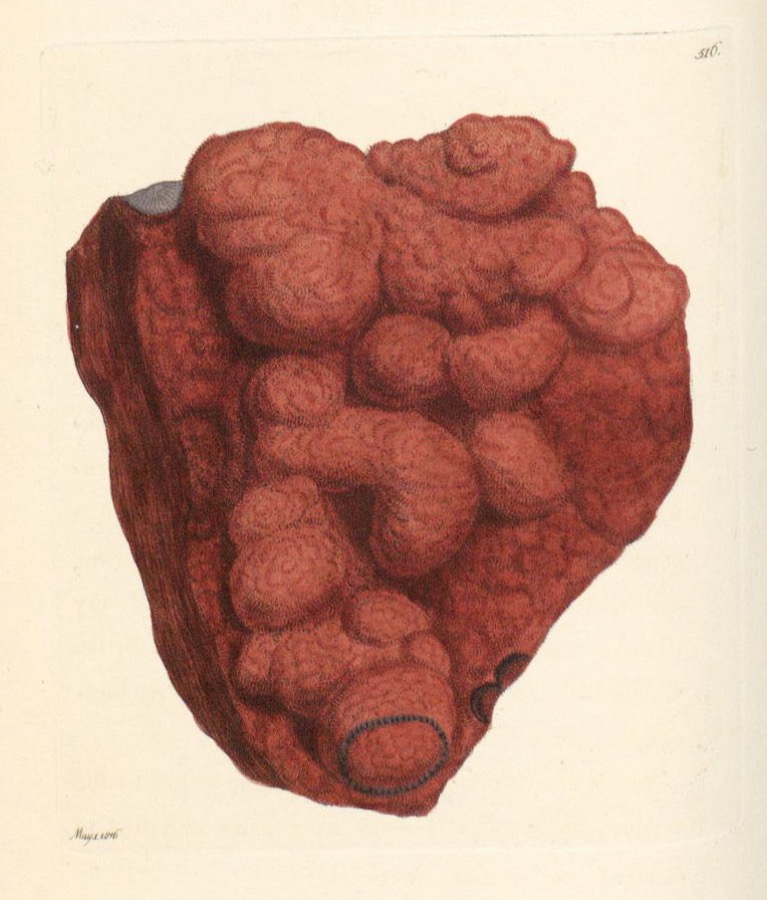
If you've loaded the extension, try clipping out the Ferrum oxygenizatum from the image above.
Paste it into your canvas (or anywhere else!)
Jump over to Excalidraw and paste. Your cutout drops right in, ready to arrange and layer.
Or share it on the Collage Clip channel on Are.na. Once you're logged in, paste your cutout onto the channel to add it to the collective collage.
Open Excalidraw Open Are.na channel